Have you got your myGovID?
February 21, 2020
The New Business Portal Login
The ATO has confirmed that AUSkey and Manage ABN Connections will cease at midnight (AEDT) on Friday 27
March 2020.
The introduction of myGovID will enable business owners to be more agile with mobile solutions available at their
fingertips, easy access anytime, anywhere. myGovID is already appearing as the default option when logging in
to online services, though you will still be able to your AUSkey until it ceases on 27 March 2020.
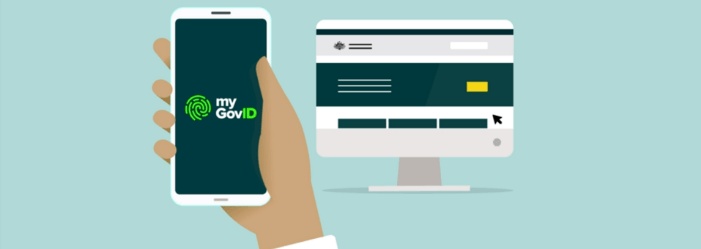
myGovID is the Australian Government's new digital identity provider; essentially the digital version of the 100
point ID check. It is a portable way to prove your identity when using government services online, and once set
up this credential will be available on a tablet or mobile device.
RAM is a new Australian Government authorisation service that allows you to act on behalf of an entity with
participating government online services.
The government’s intention to replace AUSkey with myGovID was to overcome the limitations and mobility
issues experienced since its introduction in 2010, following years of complaints about the restrictions and failure
to keep up with changes in technology.
Over time, myGovID will extend to more government services, those who are already set up can start using it to
log in to areas such as:
Business portal – for businesses to report and manage their tax and superannuation
Australian Business Register (ABR) – to update and manage authorisations at the ABR website
ATO Access Manager – for customising access and permissions for ATO online services
Employer support payment scheme – the online claim system for employers of defence reservists and
self-employed reservists
If you currently use an AUSkey, you will need to transition to myGovID prior to Friday 27 March 2020.
What do you need to do?
1.
Ensure your ABN details are up to date in the Australian Business Register
Go to the ABR website and select ‘Update your ABN details’
2.
Ensure AUSkey details are correct
If you have nominated other users to act on behalf of your business you should check if the issued AUSkeys are still correct.
3.
Download the free myGovID app from the official app store
The myGovID app is compatible with most smart devices using: iOS 10 or later on Apple devices
Android 7.0 or later


Once downloaded, open the myGovID app on your phone and follow the prompts to complete your set
up. You’ll need to confirm your identity by providing details of identity documents.
4. Link your MyGovID with your ABN using RAM
To do this you’ll need to be the principal authority for the business or entity, such as:
A sole trader
An eligible individual associate (eg. director) listed on an Australian Business Number (ABN) in
the Australian Business Register (ABR)
A primary person (where there are no individuals listed in the ABR for example a Trust with a
corporate trustee that does not have an ABN or an Australian charity)
Using your myGovID, log in to RAM and link the ABN. Once linked, the principal authority can then set
up authorisations for employees and others to act on behalf of the business who will then accept the
authorisation in RAM.
5. Authorise employees and others in your Business
If you have employees or other individuals that access online services on behalf of your business, you
will need to authorise them and set their access level in RAM.
Your authorised users will also need a myGovID to log in to RAM and accept the authorisation.
More Information
If you need assistance with setting up your MyGovID contact us
so we can assist with you individual situation.

Many small business owners report difficulties when it comes to the delay between issuing an invoice and actually getting paid.

Inventory management is critical for any business. It'll help keep enough stock to satisfy customer demand and avoid pitfalls associated with inventory.

Builders report difficulties recruiting or retaining skilled workers. We outline what’s causing the shortages and how you can find those much-needed skilled workers.
Positive cashflow is the beating heart of your business. Read our Plain English guide to cashflow and find out how to get in complete control of your cash position.

At the Federal Budget in May 2026, the Government announced that it would reintroduce a loss carry back tax offset for companies.

Working for yourself or running your own business? Setup robust systems for expenses & tax requirements so you can focus on your important tasks.
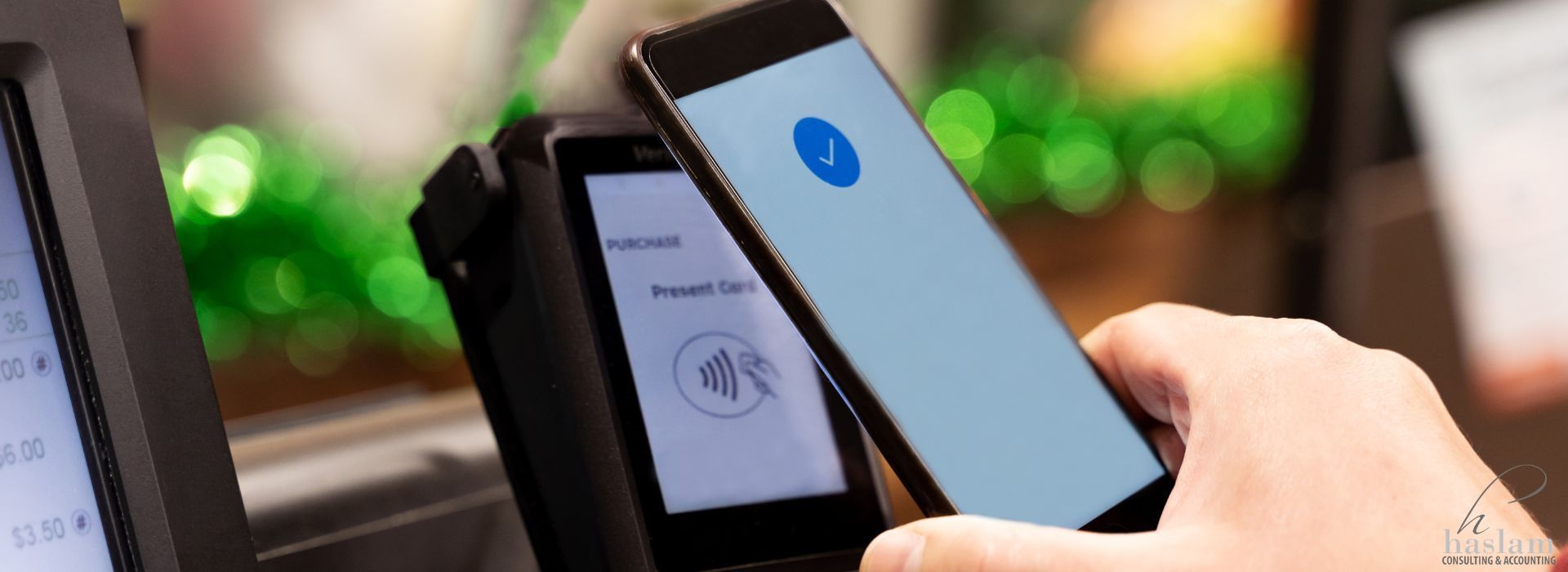
From 1 October 2026, businesses will no longer be able to apply a surcharge to card payments on designated eftpos, Mastercard and Visa networks.

Do you know how to track the financial health of your business? We highlight 5 key metrics you should be tracking and managing to keep your finances on course.

Now comes a decision for anyone who uses their car for work: is it better to claim a deduction using the logbook or cents per kilometre method?

Why is good bookkeeping so vital for your financial management? We’ve got some top hacks for maximising your bookkeeping!